THE BUSINESS AI PLAYBOOK
AI for General Contractors: Keep Change Orders from Getting Lost
Use AI to organize change requests, connect them to approved scope, and prepare review packets before additional construction work becomes a billing dispute.
 Discuss with Oliver and his team
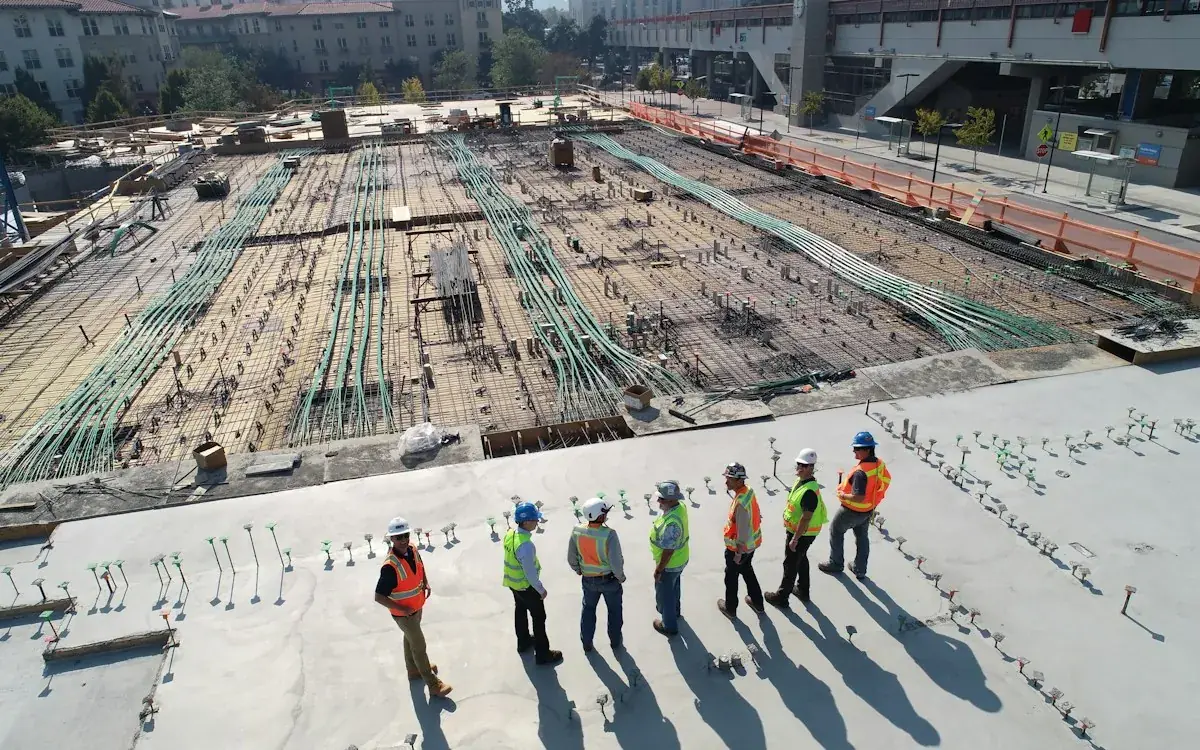
General contractors can use AI to capture potential changes from emails, meeting notes and field reports, then compare them with the approved scope. The output should be a review packet with sources, open questions and approval status. A project manager decides whether work is a change, how it affects cost and schedule, and what authorization is needed before action.
What to take away
- Capture a possible change early without declaring it billable.
- Keep scope, price, schedule and authorization as separate decisions.
- Use an immutable approval trail tied to the correct document revision.
Separate a request from an approved change
A conversation onsite can contain a suggestion, a question or a genuine request. Do not let AI turn every mention into an authorized instruction. Use states such as potential change, scope review, pricing required, submitted, approved and declined. Each state needs a named owner and the source that justifies it.
Connect the request to the relevant contract scope, drawing revision or prior approved change. The assistant may identify a difference, but the project manager must interpret its commercial meaning. This is especially important when a subcontractor’s assumption differs from the owner’s understanding.
Build a complete review packet
A useful packet contains the original request, affected location, scope reference, photos or meeting records, information still required and people who must review it. Cost and schedule fields should remain blank or explicitly provisional until the responsible staff supply them. Never generate labor quantities or material prices simply to make a form look complete.
Use AI to draft the clarification email: “We recorded this requested change. Before preparing a proposal, please confirm the finish selection and affected area.” That moves the process forward without accidentally promising a price or asserting an entitlement.
Worked example: a finish selection changes
Hypothetical example: an owner asks in a message to substitute a finish in two rooms. The assistant links the message to the current finish schedule and flags that the second room is ambiguous. It prepares a clarification task and identifies the subcontractor who supplied the original scope. No purchase order is issued.
After the project manager confirms the scope and obtains pricing, the assistant assembles the revised packet and tracks the response deadline. If approval arrives, staff verify that it references the correct revision. The change then reaches purchasing and the field team with a shared record rather than separate recollections.
Close the gap between office and field
The workflow is incomplete if approved changes never reach supervisors or if declined changes remain on an active task list. Add a receipt step for affected team members and show the current authorized scope on the project record. Preserve earlier versions for explanation, but make the latest approved version unmistakable.
Pilot on a live project with manageable volume. Compare the system’s flagged changes with the project manager’s own log. Investigate both missed changes and false alarms. NIST’s voluntary risk framework is useful background for managing AI uncertainty; it does not replace contract administration or professional judgment.
FROM READING TO ACTION
Your first steps
- Define potential, submitted and approved change states.
- Link the current approved scope and drawing revisions.
- Assign pricing and schedule review to named people.
- Require approval to identify the exact change revision.
- Confirm that accepted changes reach purchasing and the field.
What to measure
| Measure | How to track it |
|---|---|
| Unreviewed-change age | Days between first recorded request and project-manager disposition. |
| Approval traceability | Executed changes with a linked approved revision divided by changes checked. |
| Change-related rework | Office or field rework hours caused by missing, conflicting or outdated change information. |
Common questions
Can AI decide whether extra work is contractually billable?
No. Use it to gather the relevant documents and highlight differences. Contract interpretation and commercial decisions should remain with your authorized professionals.
Should field staff use it from a phone?
A simple mobile capture form can help, particularly for photos and short notes. Require staff to confirm the summary and avoid treating a quick voice note as customer authorization.
Sources & further reading
These sources provide background. The workflow designs are Palnau Systems implementation guidance; examples are illustrative, not reported client results. Product capabilities and requirements can change.
Prepared with AI assistance for business owners and managers. For a recommendation based on your actual systems and requirements, work directly with Oliver and his team.